
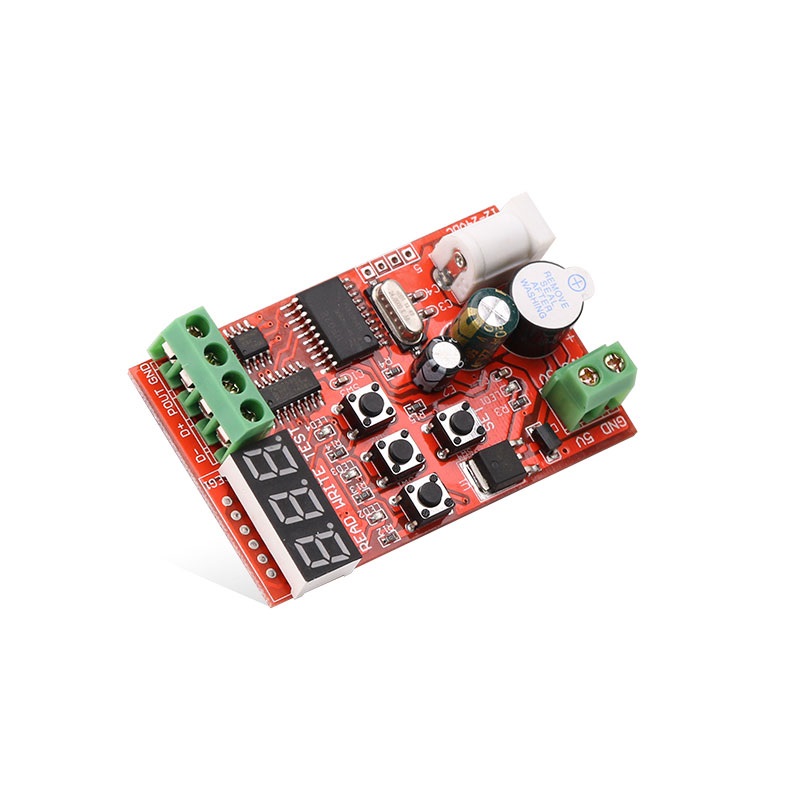
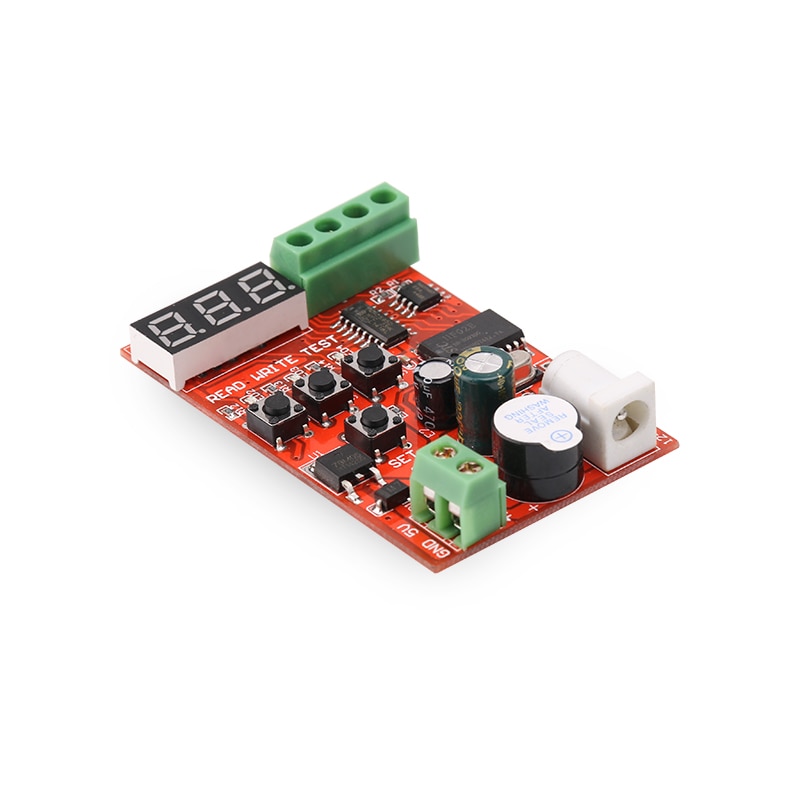
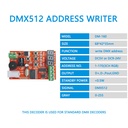
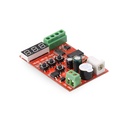
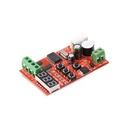

DMX512 Easy Address Writer Used for RGB Decoder
Categories :
DMX controllerSKU :
1920149
100% original guarantee

Return within 30days

Worldwide Fast delivery
Features:
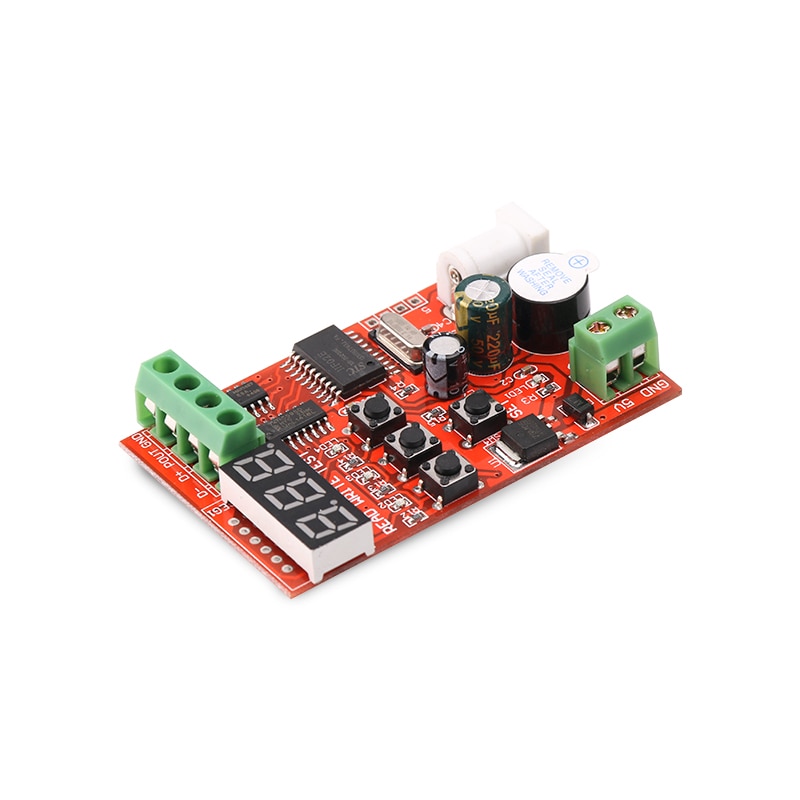
DMX512 decoder module channels can write in address codes;
Able to detect DMX512 signals, to diagnose on-off of engineering wiring, to test strength of DMX512 signals;
All DMX512 decoder drivers can write address codes;
DMX512 protocol LED, necessary engineering site equipment;
Parameters:
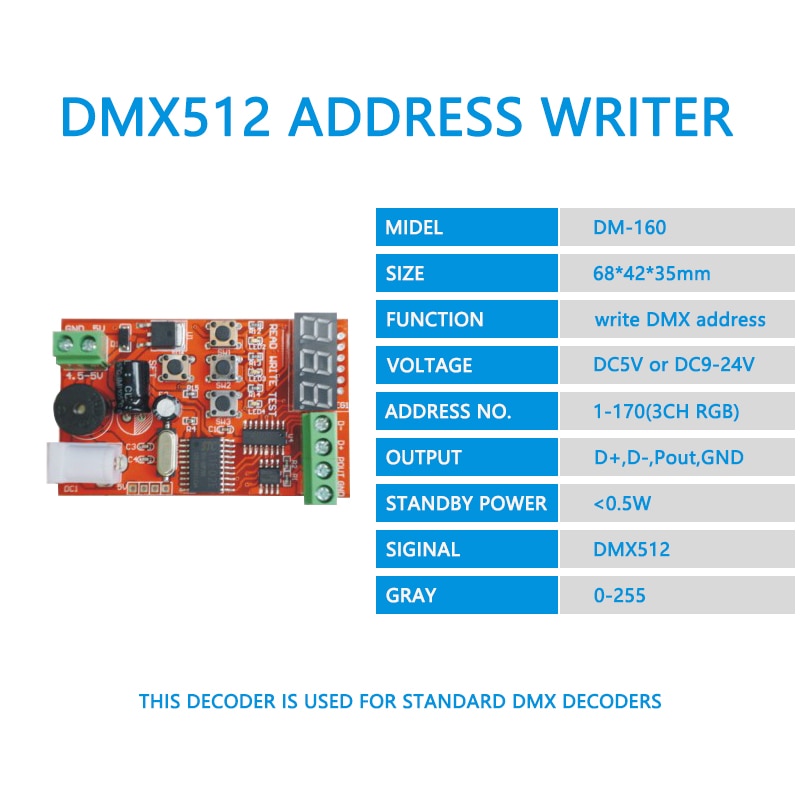
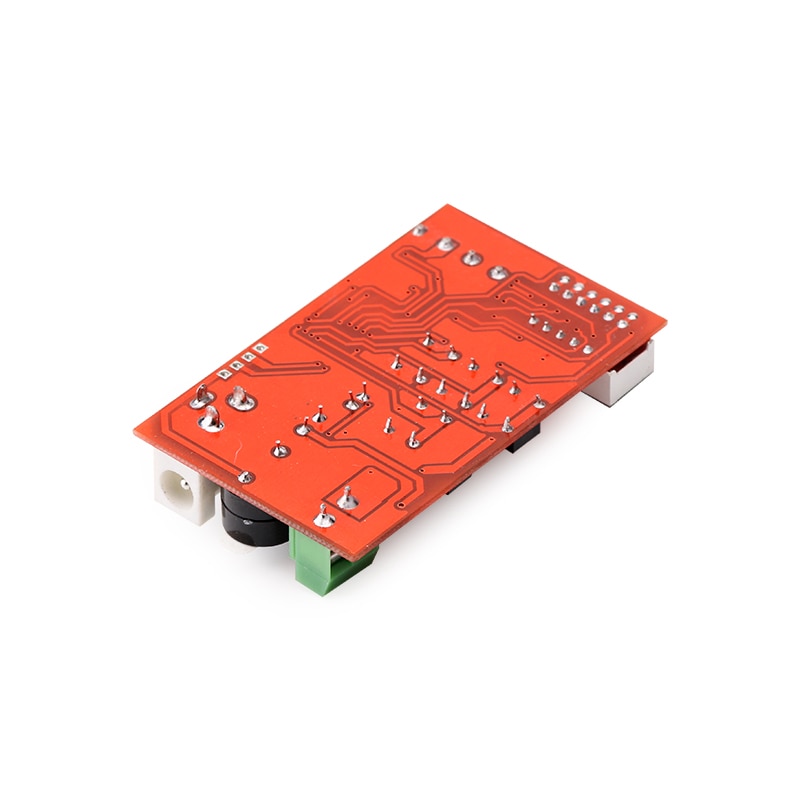
Size: 68*42*14mm
Built-in standard DMX512 protocol (1990 version);
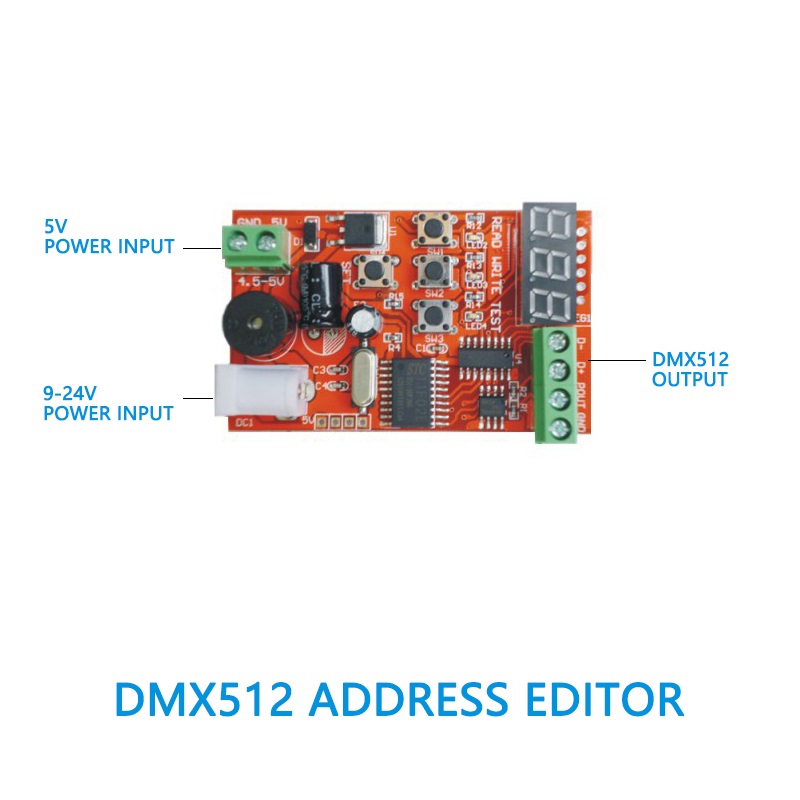
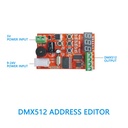
Universal input voltage (DC 9V-24V) or lithium battery voltage (5V) supportive;
Writing DMX512 driving address codes (1-170 address) supportive;
Reading DMX512 driving address codes supportive;
DMX512 drive detecting supportive;
Function description:
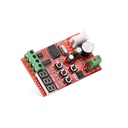
Press "SET" button to plus 1 to the value of nixie tube. (Long press "SET" button, address value displayed on the nixie tube will add 1 quickly.) Select the address you want to write in.
Press "WRITE" button to write the address into the drive. Wait for about one second, the buzzer sounds for one time, which means write-in has succeeded. (Three channels are taken to drive one address, so the corresponding address is 1-170.) It will take longer for parallel automatic address write-in.
Press "READ" button, the buzzer sounds for one time, which means read has succeeded. The corresponding address is displayed on the nixie tube.
Press "TEST" button, LED light of corresponding address starts to flash.

| Type | Manual Editor or Automatic Editor |
You may also like
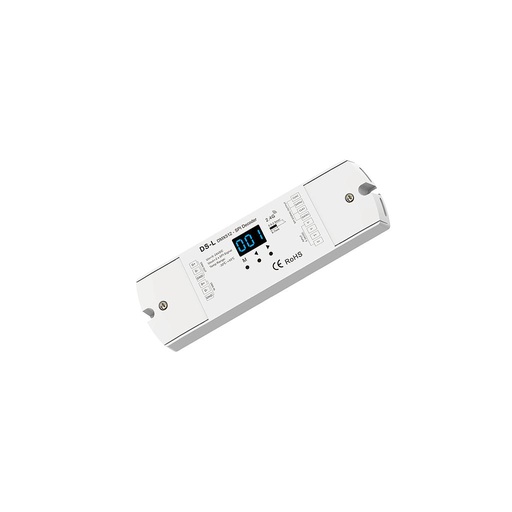
DS-L DC5-24V 1024 Dots DMX to SPI Decoder
$ 28.06 $ 28.06